

Guide: Citing documents
When preparing your work, it is important to always state where you have obtained your information from. You can do this using two specific elements: citations and the reference list. Both of these are applied in accordance with specific citation styles, which set out a structure and a specific set of information that must be included.
In-text citations
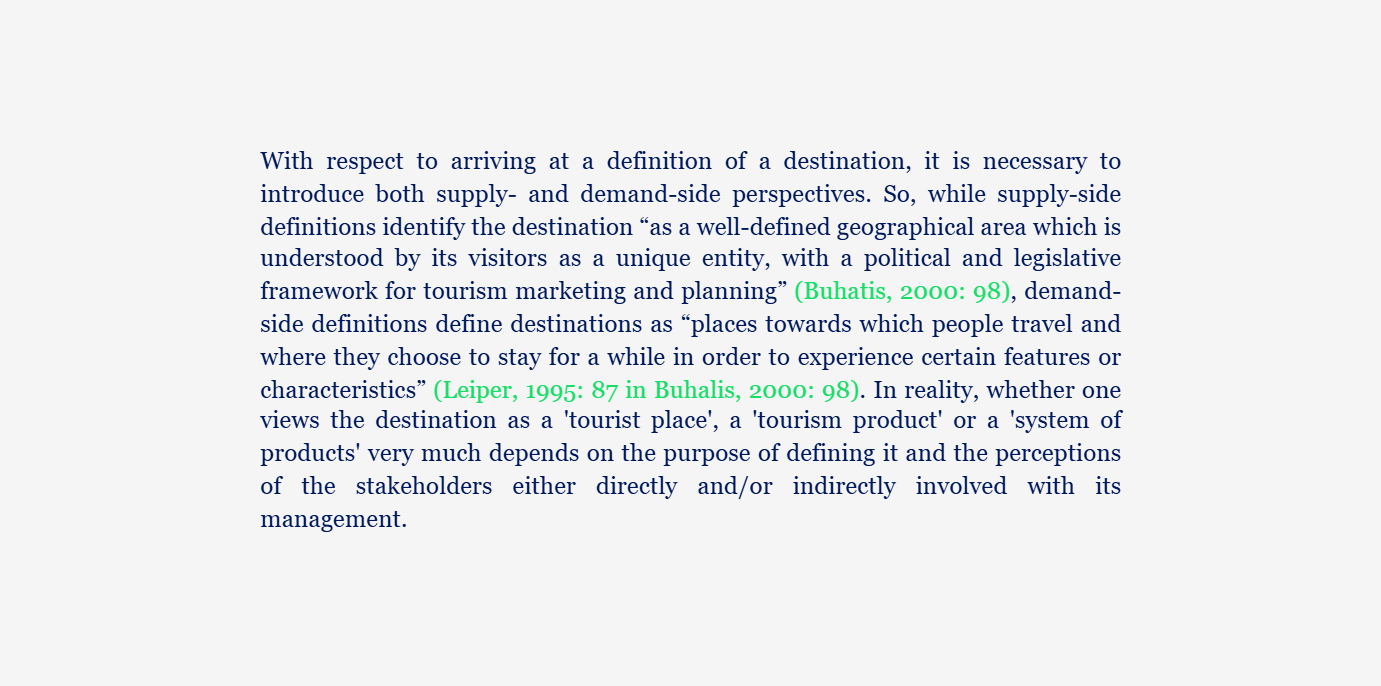
Citations are markers within the text that indicate that the data or information presented comes from another author or document. Their purpose is to clearly inform the reader that, at that point, you are using an external source. You can present the information in two ways:
- Explain the idea in your own words, citing the source from which it comes. For example:
→ According to Harrison (2020), the methodology makes it possible to identify new trends…
- Include a direct citation in quotation marks, making it clear that it is a passage copied directly from the original document. For example:
→ “Technological innovation is advancing rapidly” (Johnson, 2021).
Reference list at the end of the report
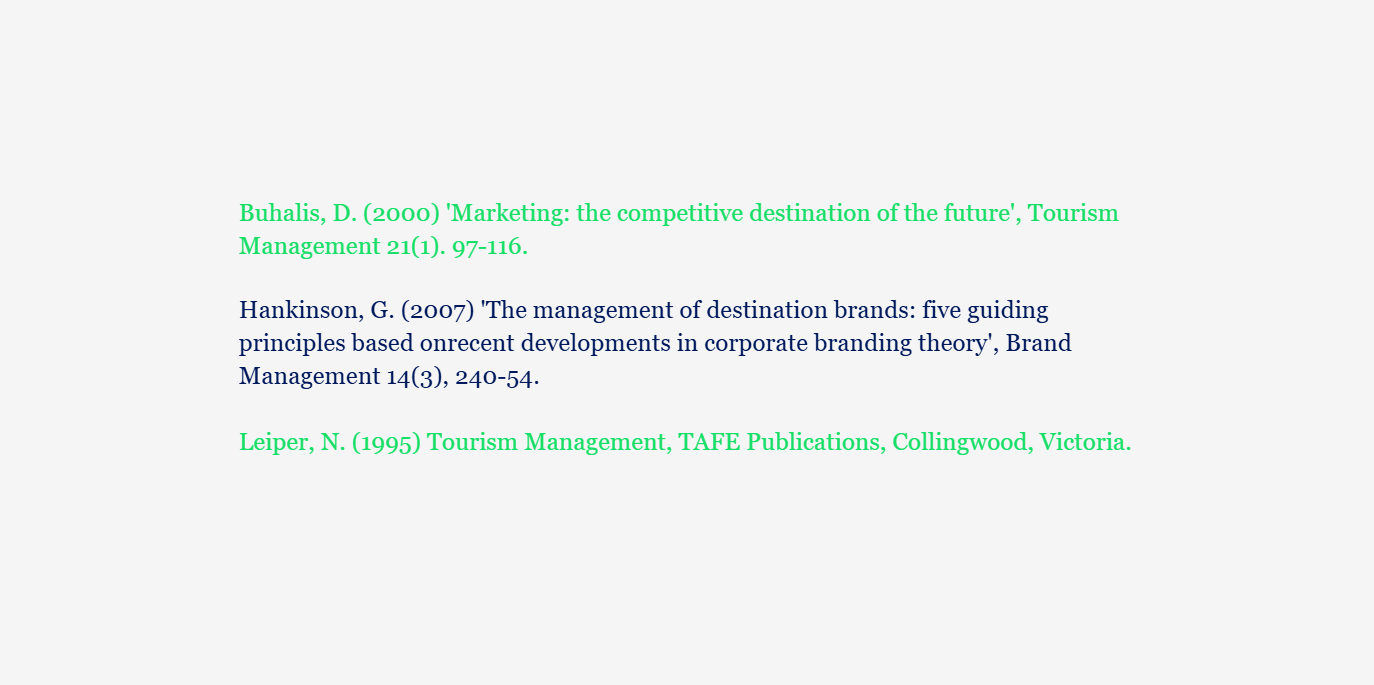
The reference list is the final list in which you include all the documents you have cited in your text. Here you include the full details of each source (author, year, title, publisher, and other details, depending on the citation style used).
Its purpose is to enable anyone to easily locate the documents you have used.
Automatic citations and reference lists
At the IQS Library, we offer access to and training on two reference management tools that allow you to:
- Save and organise the documents you use for your work
- Insert citations automatically into your Word document
- Insert and keep your reference list up to date
- Change the citation and reference list style in your document with a single click
These reference management tools allow you to work more quickly when citing your work, preventing errors in the structure and information of citations and references.
Additionally, the Library recommends reading citation style guides as a final check on the automatically generated bibliography.